<img height="1" width="1" style="display:none" src="https://www.facebook.com/tr?id={244756505703335}&amp;ev=PageView&amp;noscript=1">

Keep your content balanced and on-brand, automatically.

Sort your posts into topic-based buckets, then let your posting plan publish from each one on the schedule you set. Never over-post one topic again.

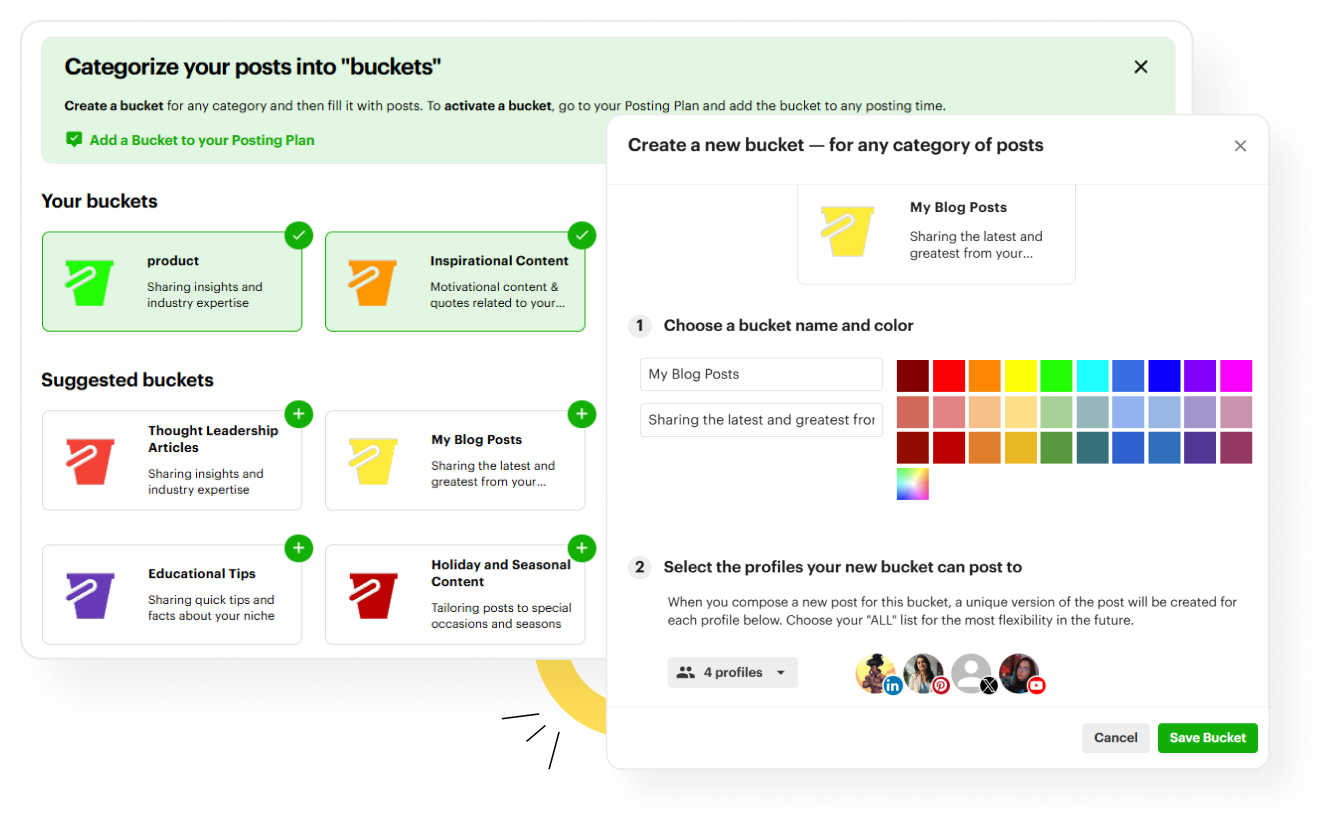
Posts sorted into color-coded buckets
Topic buckets for tips, promos and quotes

TOPIC BUCKETS

Group your content by theme

Create buckets for each topic (tips, promos, quotes, product) and assign every post to the right one, so your content mix stays organized.

CATEGORY SCHEDULING

Post the right mix, every week

Connect each bucket to time slots in your posting plan and Post Planner automatically publishes a balanced mix. No manual planning.
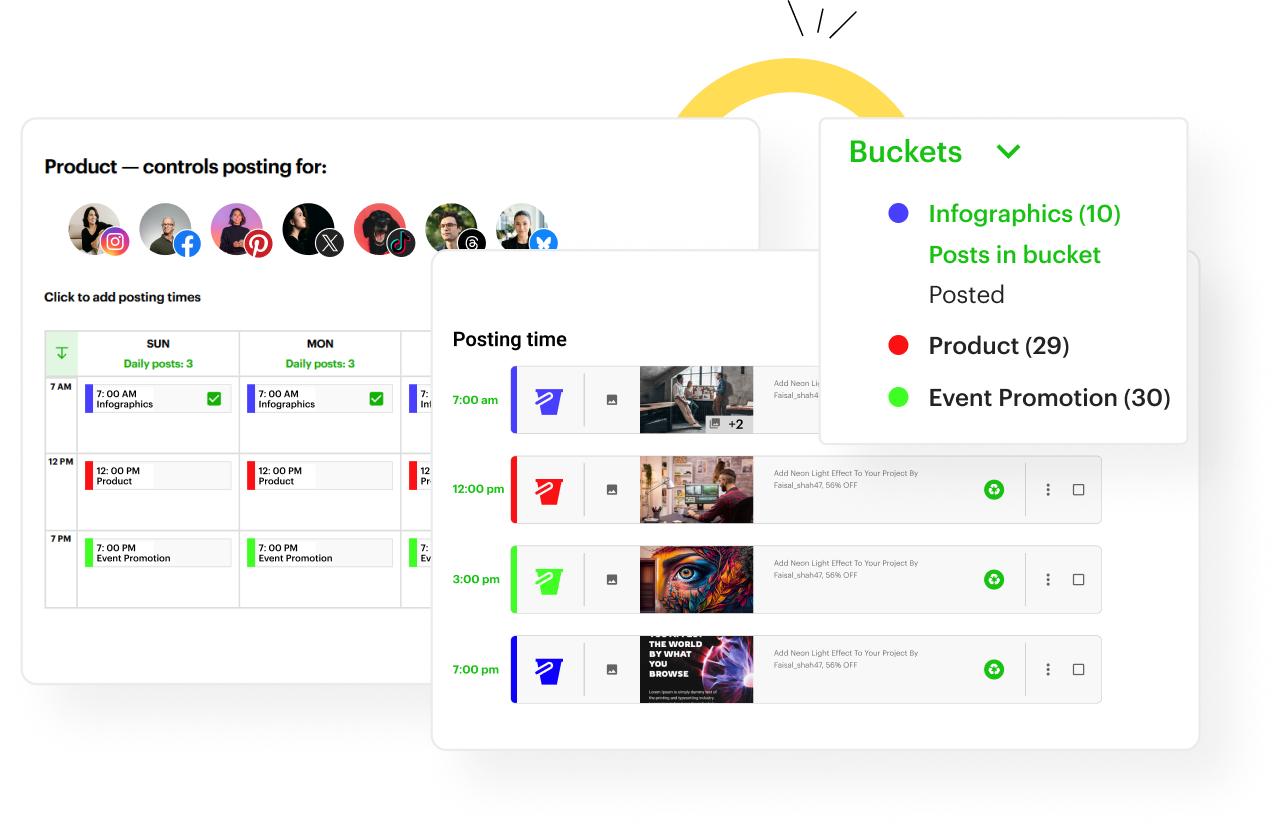
Buckets assigned to time slots in a Posting Plan
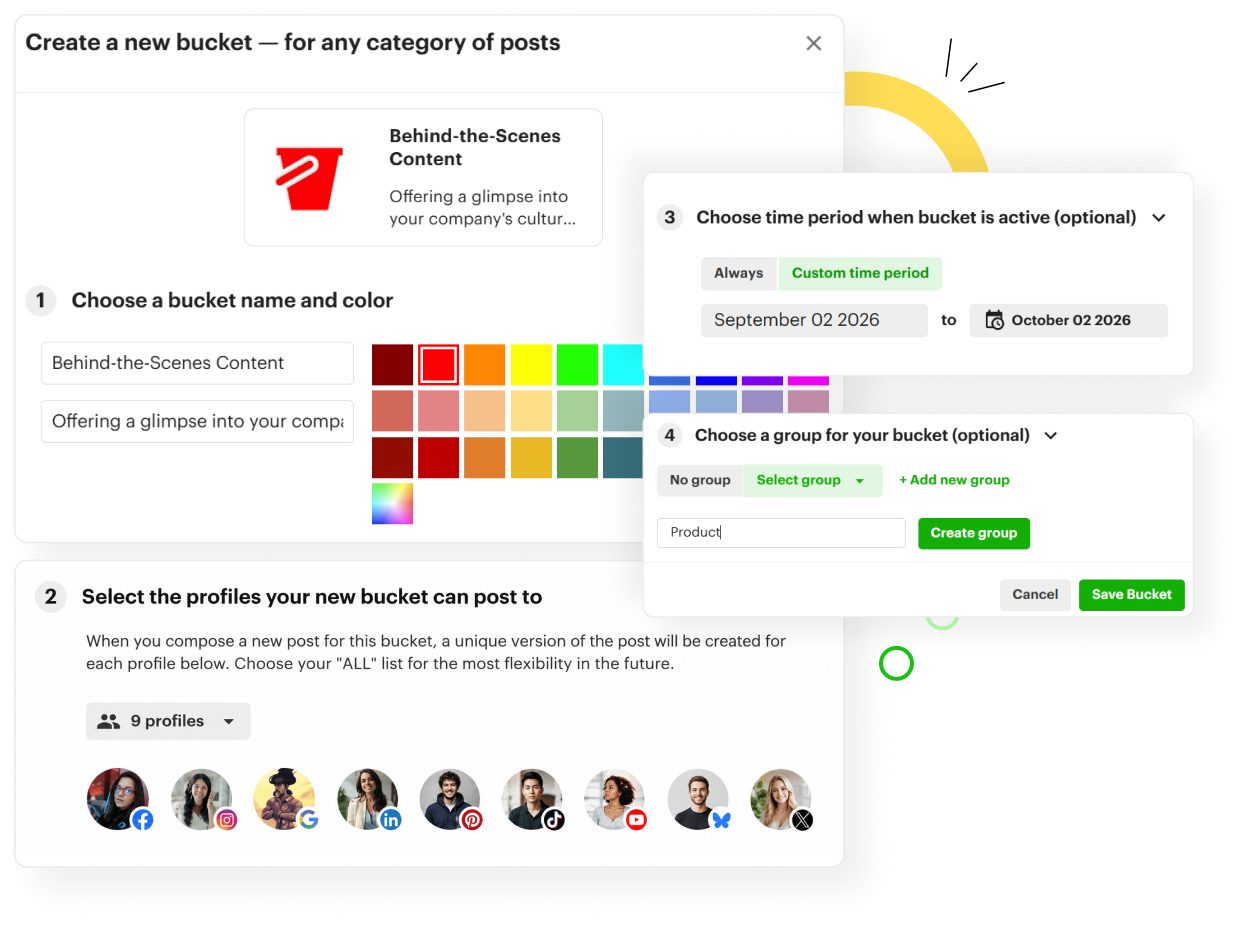
Bucket settings for name, description, color and profiles

CUSTOMIZE

Make each bucket work the way you do

Give every bucket a name, description and color. Choose which profiles it posts to, set an active time period for seasonal content, and organize buckets into groups for different clients and campaigns.

FAQ

What are buckets?
Topic-based categories you sort your posts into, so your content mix stays balanced and your Posting Plan always knows what type of content to publish next.
Can Post Planner post from buckets automatically?
Yes. Assign buckets to time slots in your Posting Plan and your calendar fills itself with the right mix.
Can I turn buckets on for certain dates or seasons?
Yes. Set a time period on any bucket so it only posts during those dates, and change the dates anytime.
Can I pause my posting?
Yes. Pause your Posting Plan anytime with one click, and unpause it whenever you’re ready to start publishing again.
Can I use buckets for different clients?
Yes. Organize buckets into groups for each client or campaign, and choose exactly which profiles each bucket posts to.

Schedule better content.
Reach more people.
Get more followers.

Start Free Trial