Schedule tweets, retweets and quote tweets.

ALL-IN-ONE TOOL
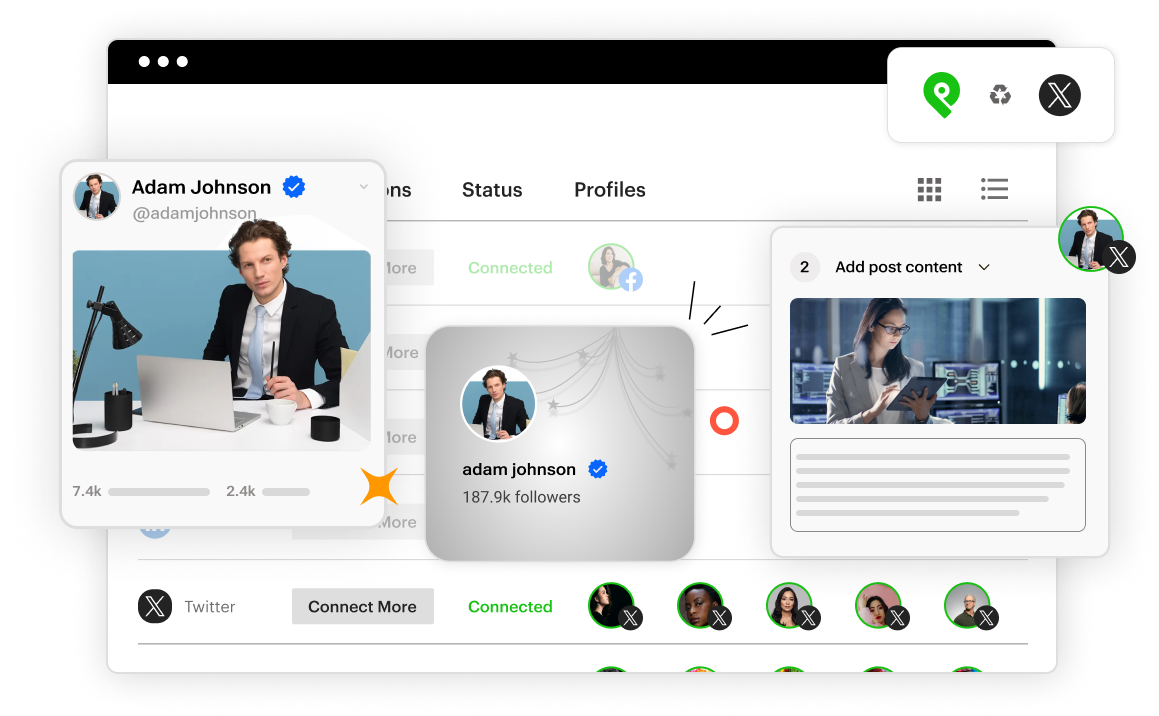
Schedule to X and every other network
Upload your content once and share it to X, Facebook, Instagram, Google Business, LinkedIn, Pinterest, TikTok, YouTube, Threads and Bluesky.
X / TWITTER FORMATS
Schedule tweets, retweets and quote tweets
Compose tweets with images, GIFs or video, and schedule retweets and quote tweets across every account you manage.

CREATE WITH AI
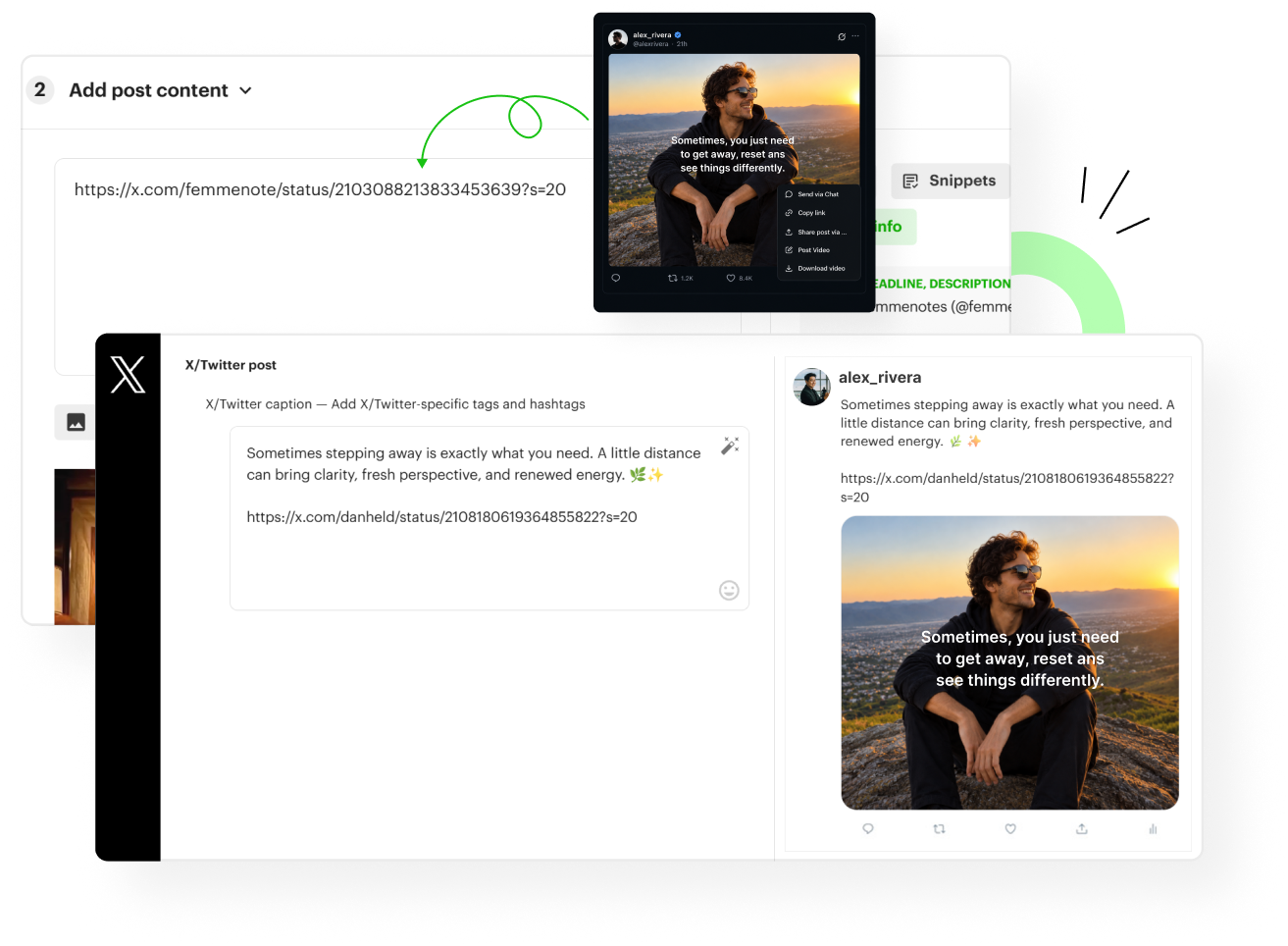
Write tweets with AI in seconds
Write tweets, hashtags and post ideas with AI, or create an image from a prompt, right in the composer. AI writing is unlimited on every plan.
CALENDAR & GRID
Plan visually and reorder with a drag
See your whole schedule in calendar or grid view, and drag posts to reschedule in seconds.

BULK SCHEDULING
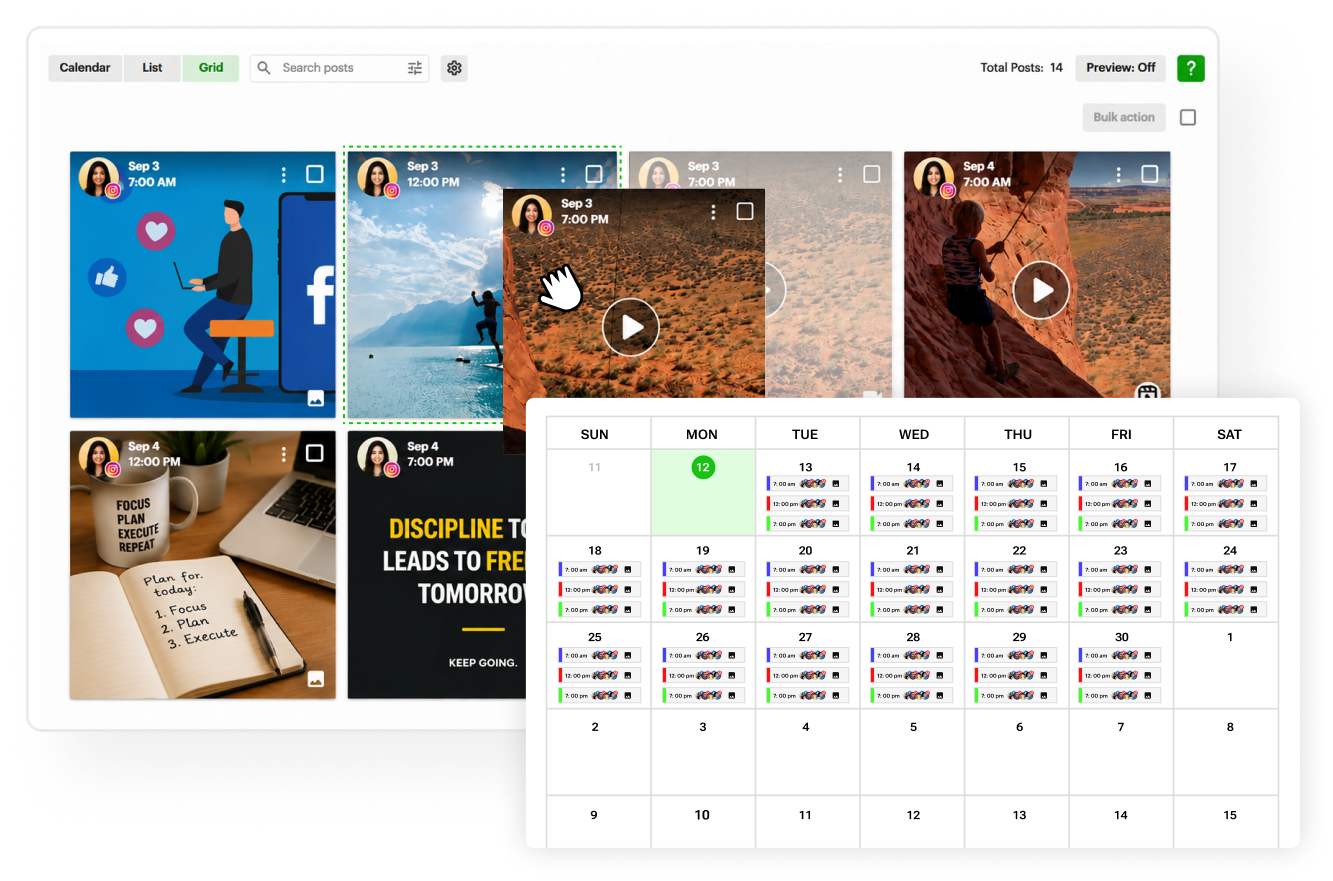
Schedule dozens of tweets at once
Upload a spreadsheet or a batch of images, fill your calendar for months in one go, and set your best tweets to recycle automatically.
MULTIPLE ACCOUNTS & TEAM
Manage every X account you run
Connect all your X accounts, switch between them in a click, and invite teammates or clients with access to only the accounts you choose.


POST PREVIEWS
See your tweet before it goes live
A live preview shows exactly how your tweet will look on X while you write it, so there are no surprises.
Schedule better content.
Reach more people.
Get more followers.


Follow us






Product
Features
Integrations
Resources
© 2011-2026 Post Planner