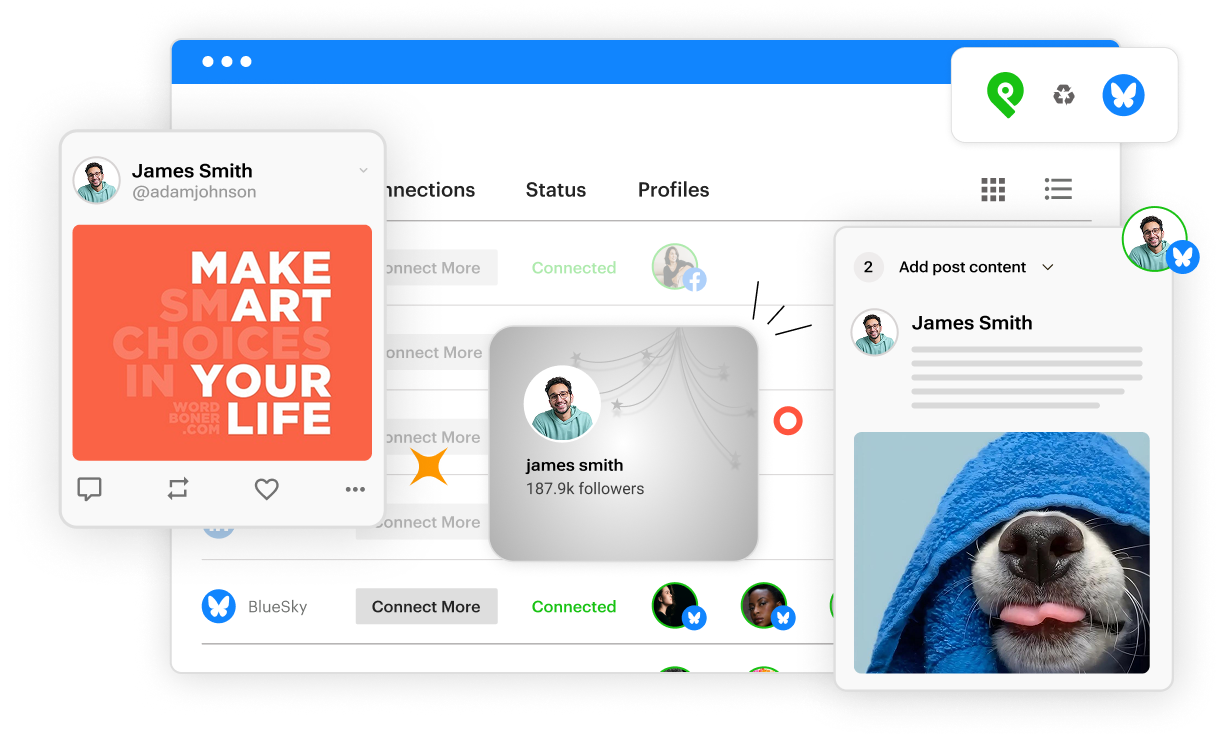
Schedule Bluesky posts to all your accounts.
ALL-IN-ONE TOOL
Schedule to Bluesky and every other network
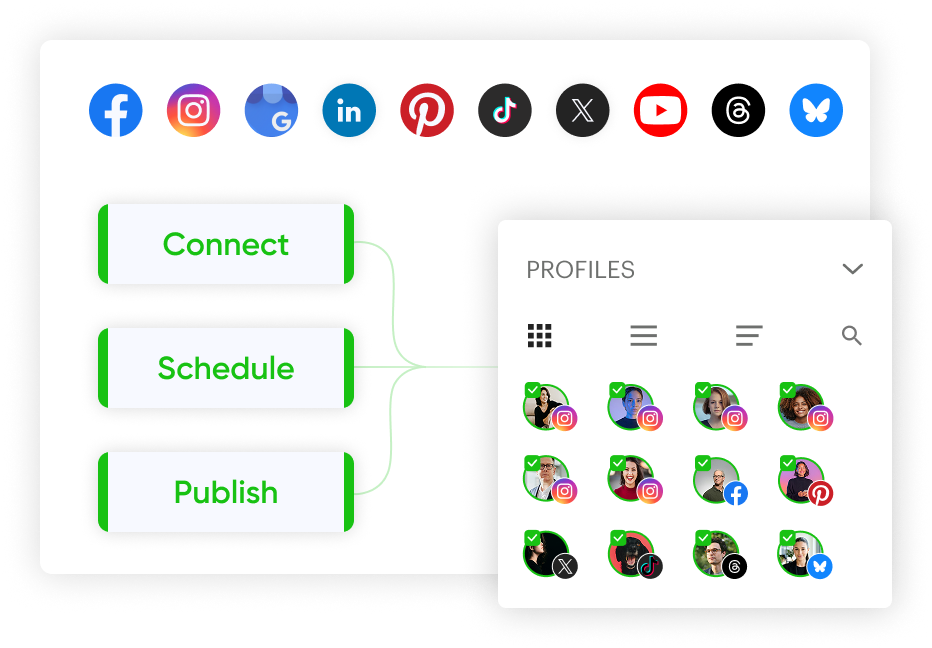
Upload your content once and share it to Bluesky, Facebook, Instagram, Google Business, LinkedIn, Pinterest, TikTok, X, YouTube and Threads.
BLUESKY FORMATS
Schedule text and media posts to Bluesky
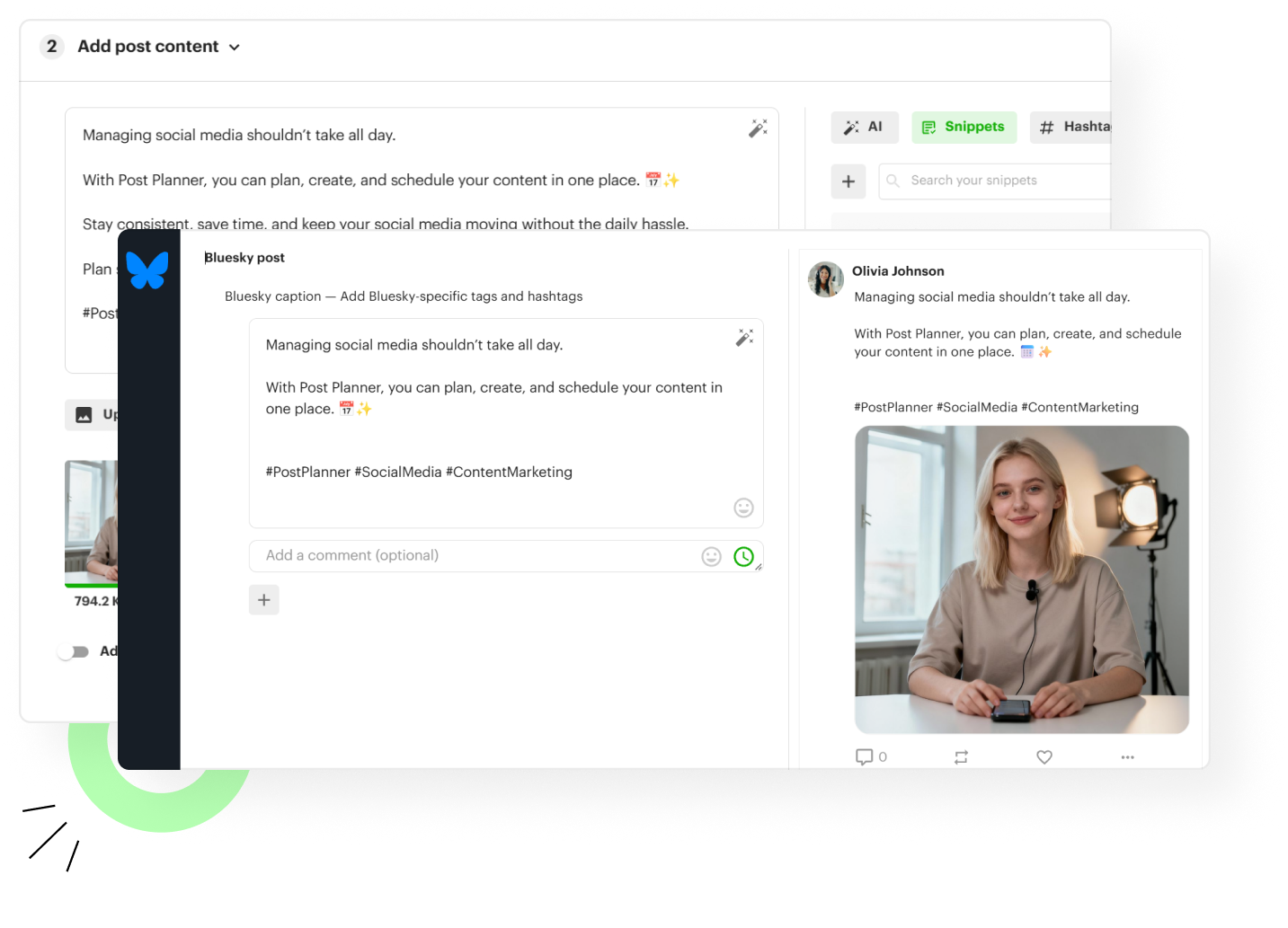
Publish text posts with images and links, scheduled to go out automatically across every Bluesky account you manage.
CURATE
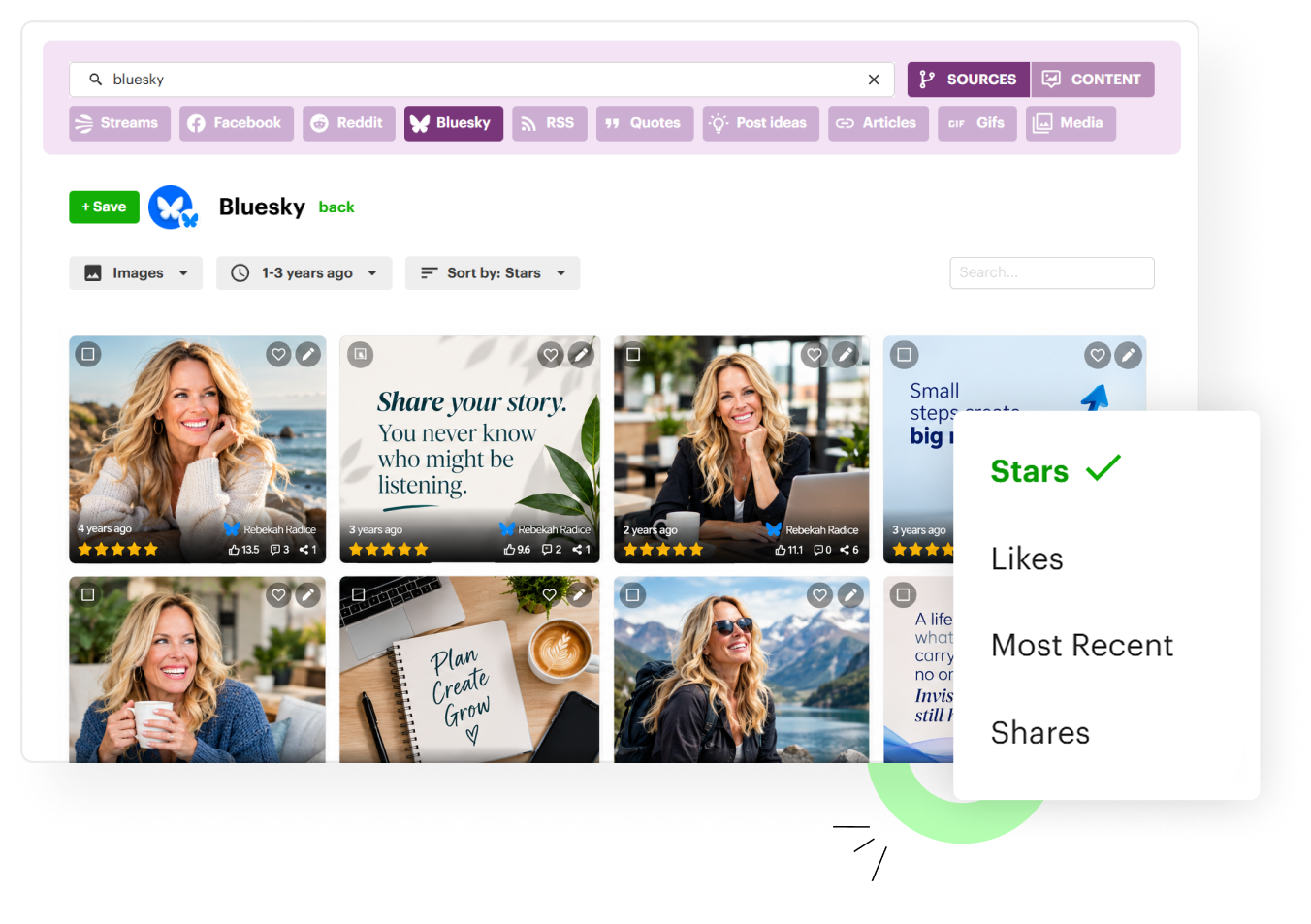
Find the best of Bluesky
Follow any Bluesky account as a content source and Post Planner surfaces its top posts, rated 1–5 stars, ready to re-share or use as inspiration.
CREATE WITH AI
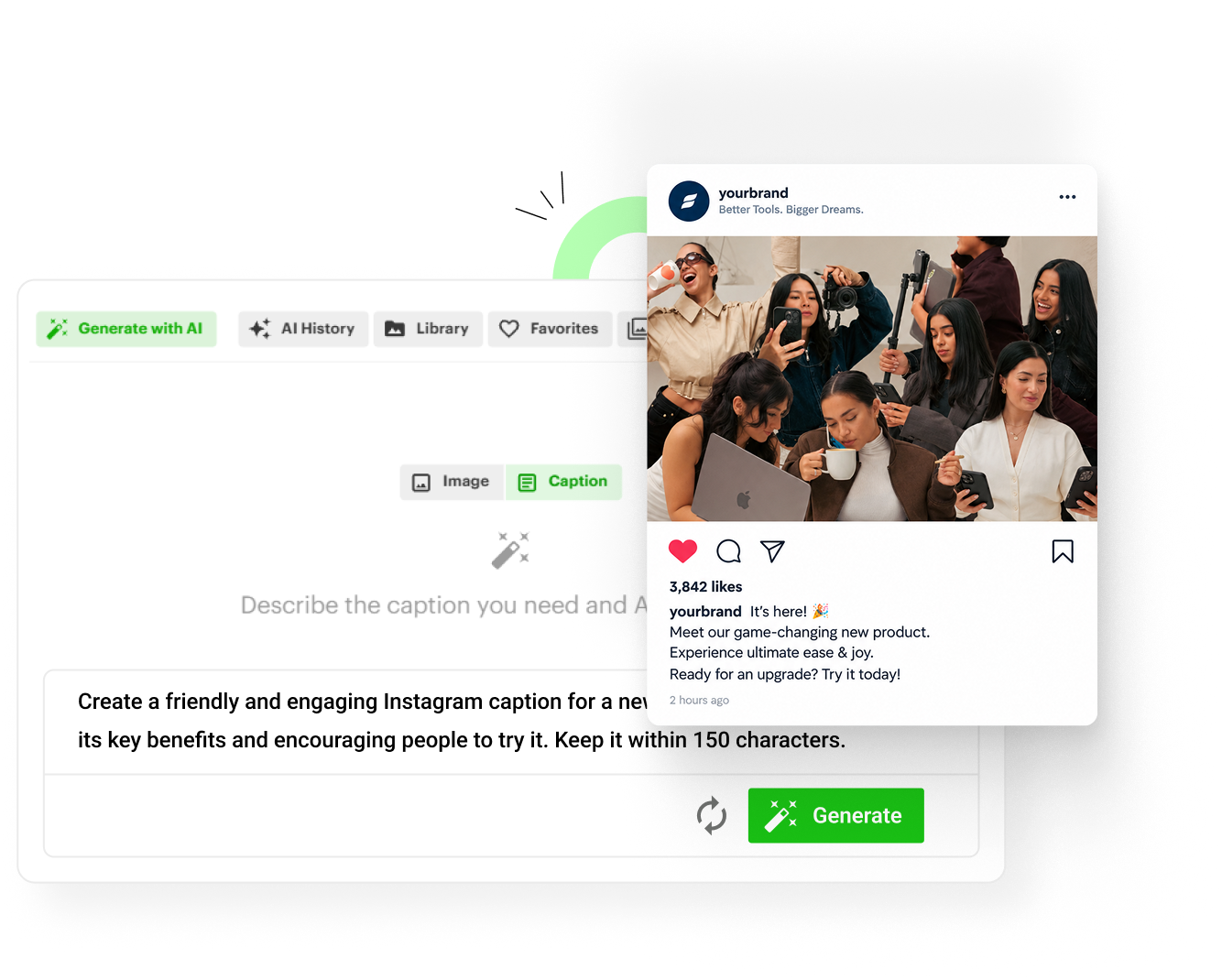
Write Bluesky posts with AI in seconds
Write posts, hooks and post ideas with AI, or create an image from a prompt, right in the composer. AI writing is unlimited on every plan.
CALENDAR & GRID
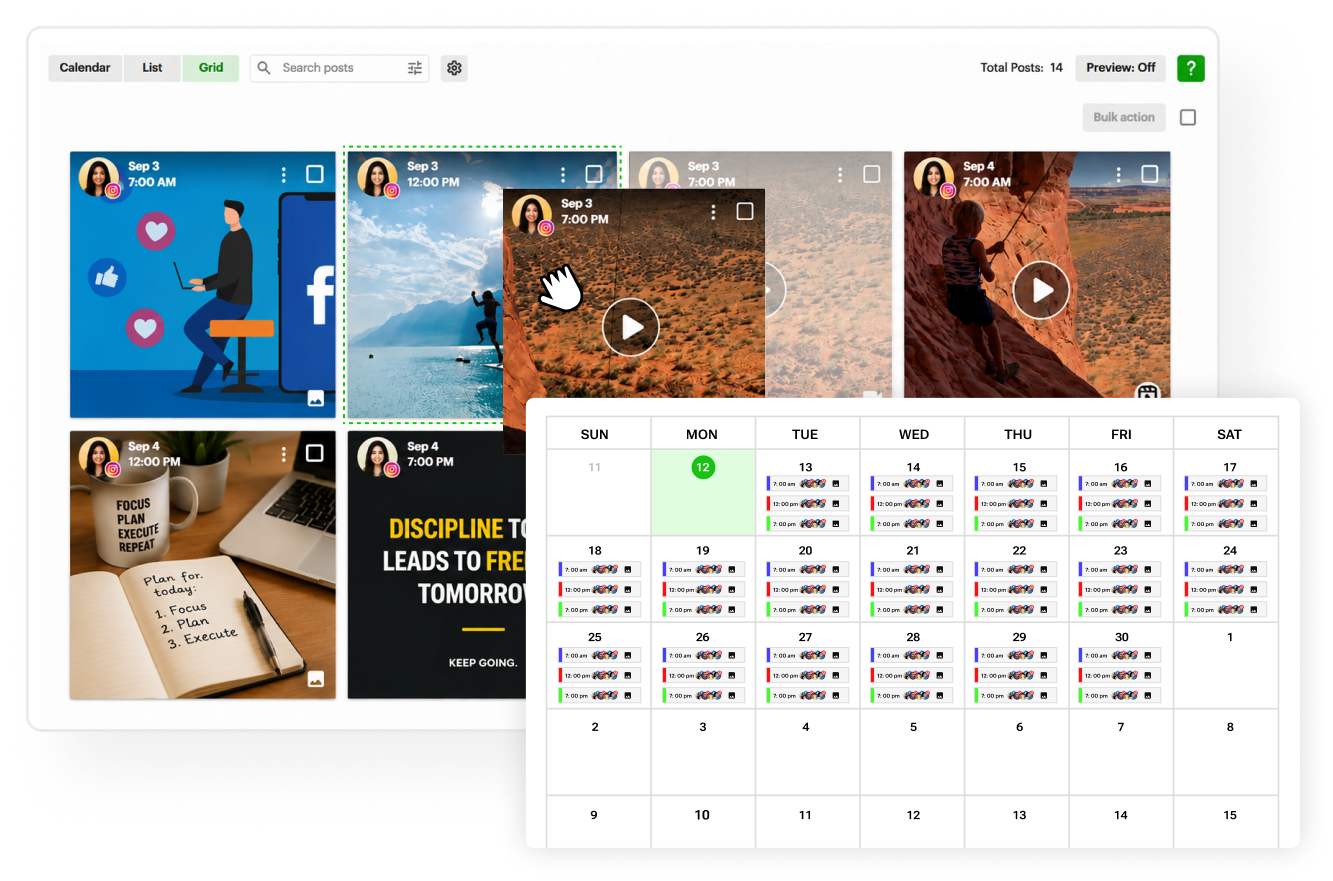
Plan visually and reorder with a drag
See your whole schedule in calendar or grid view, and drag posts to reschedule in seconds.
BULK SCHEDULING
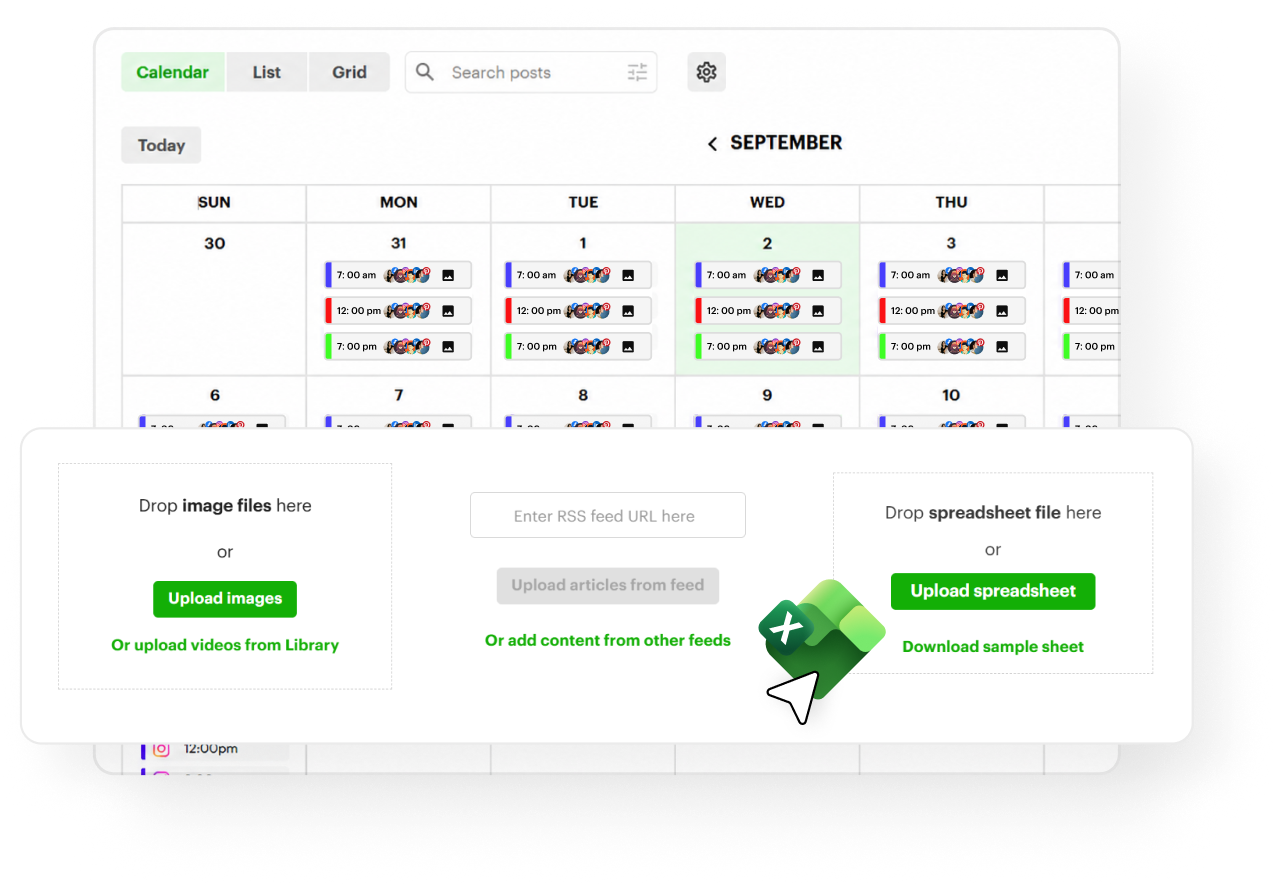
Schedule dozens of Bluesky posts at once
Upload a spreadsheet, a batch of images or an RSS feed, fill your calendar for months in one go, and set your best posts to recycle automatically.
MULTIPLE ACCOUNTS & TEAM
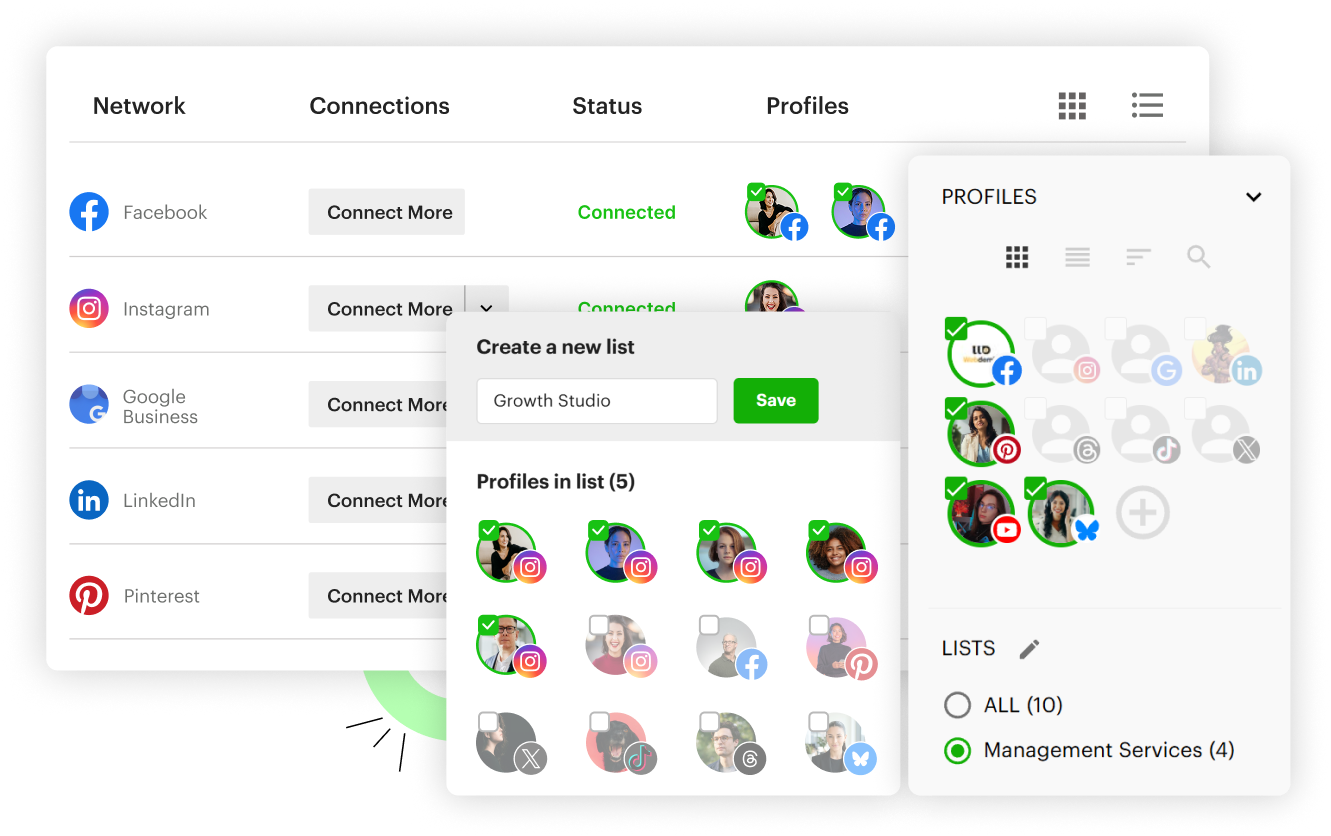
Manage every Bluesky account you run
Connect all your Bluesky accounts, switch between them in a click, and invite teammates or clients with access to only the accounts you choose.
POST PREVIEWS
See your post before it goes live
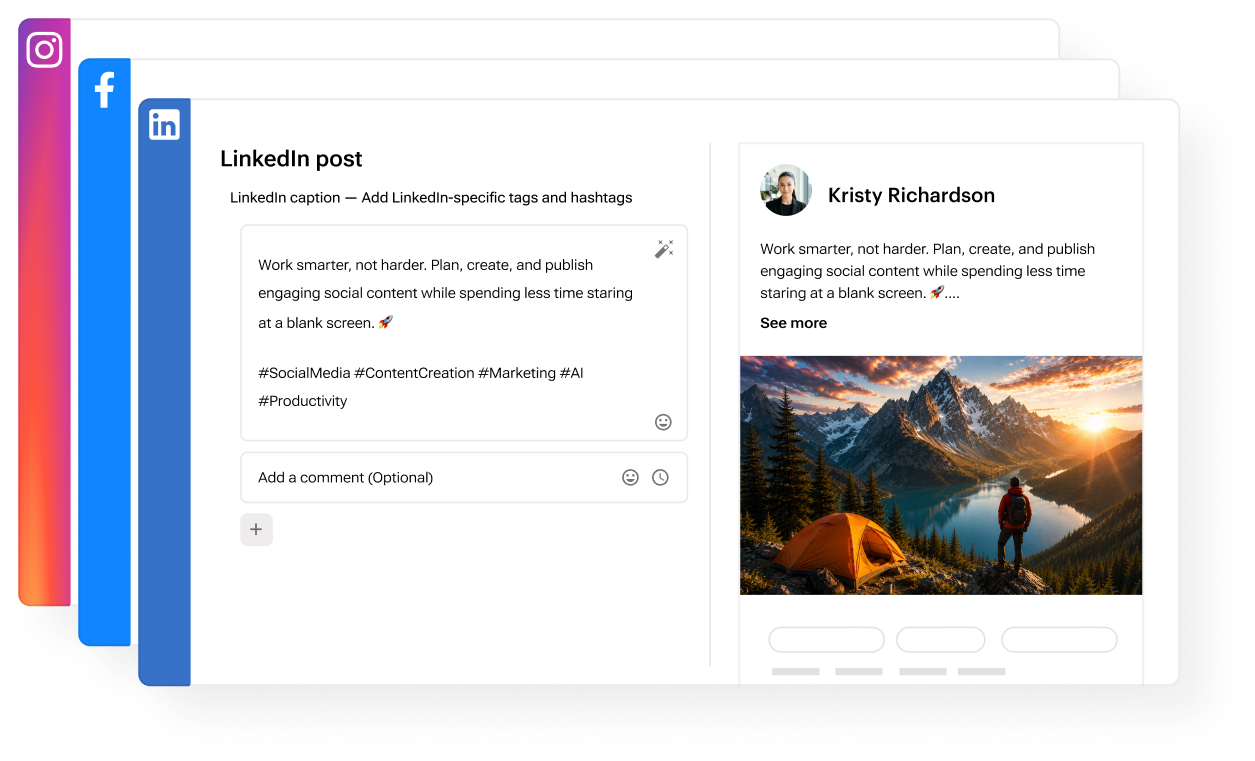
A live preview shows exactly how your post will look on Bluesky while you write it, so there are no surprises.
Schedule better content.
Reach more people.
Get more followers.


Follow us




Product
Features
Integrations
Resources
© 2011-2026 Post Planner