Never run out of content to post again.
Find top-performing content in your niche that’s proven to go viral, so you always know exactly what to post. Discover viral posts, articles, images, videos and ideas in seconds.

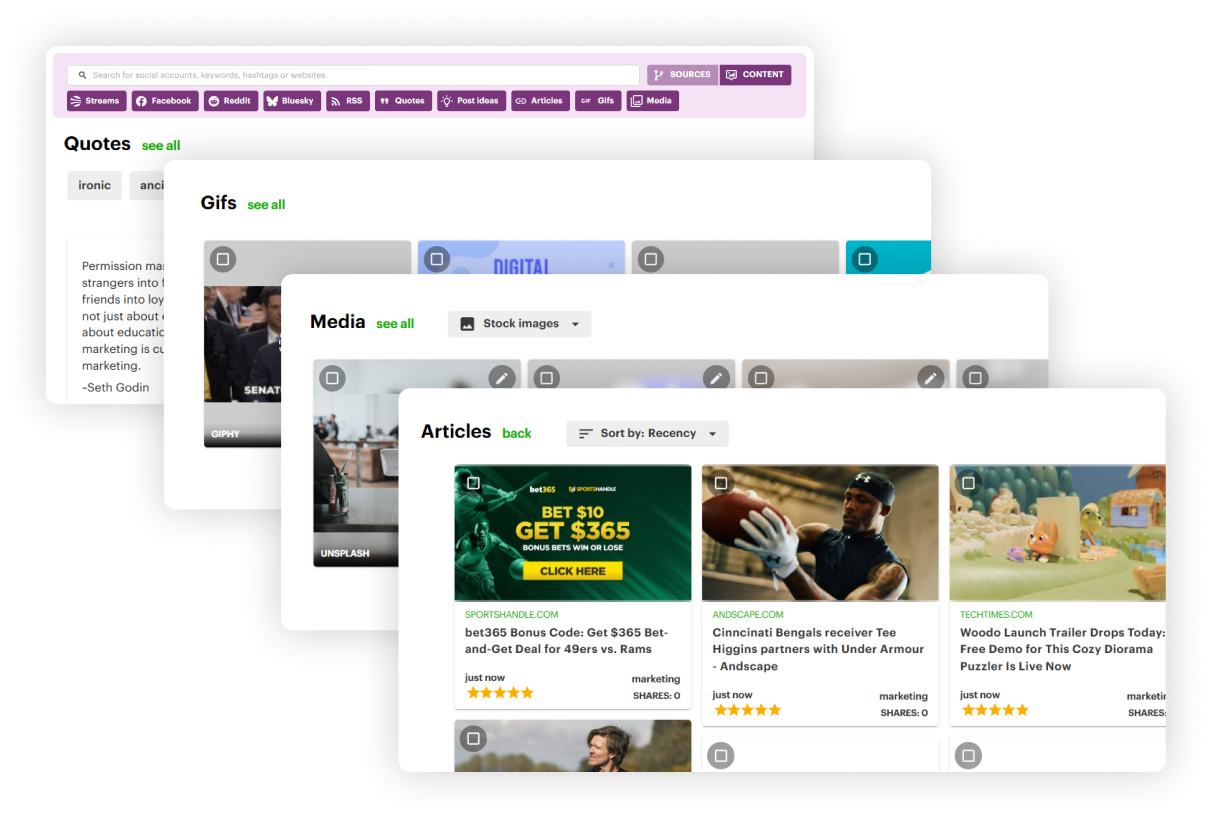
VIRAL CONTENT ON DEMAND
Find proven content in any niche
Post Planner surfaces the viral images, videos, GIFs and articles from the sources you follow, plus quotes, memes and post ideas on demand, ranked so the best rises to the top.
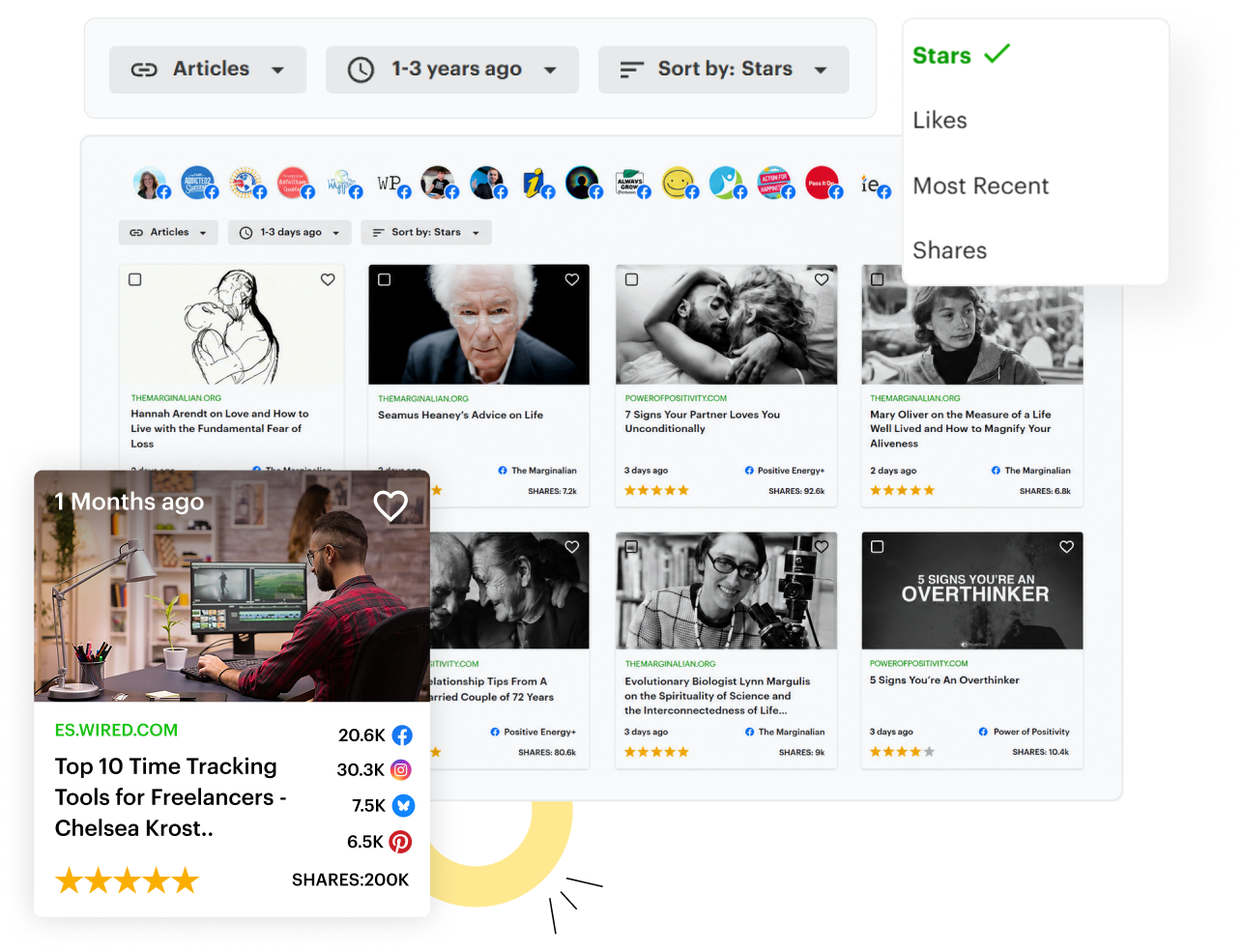
5-STAR RATINGS
Know what works before you post
Every piece of content gets a 5-star engagement rating. Choose 5-star content to repurpose so you get more Likes, comments and shares.
YOUR SOURCES
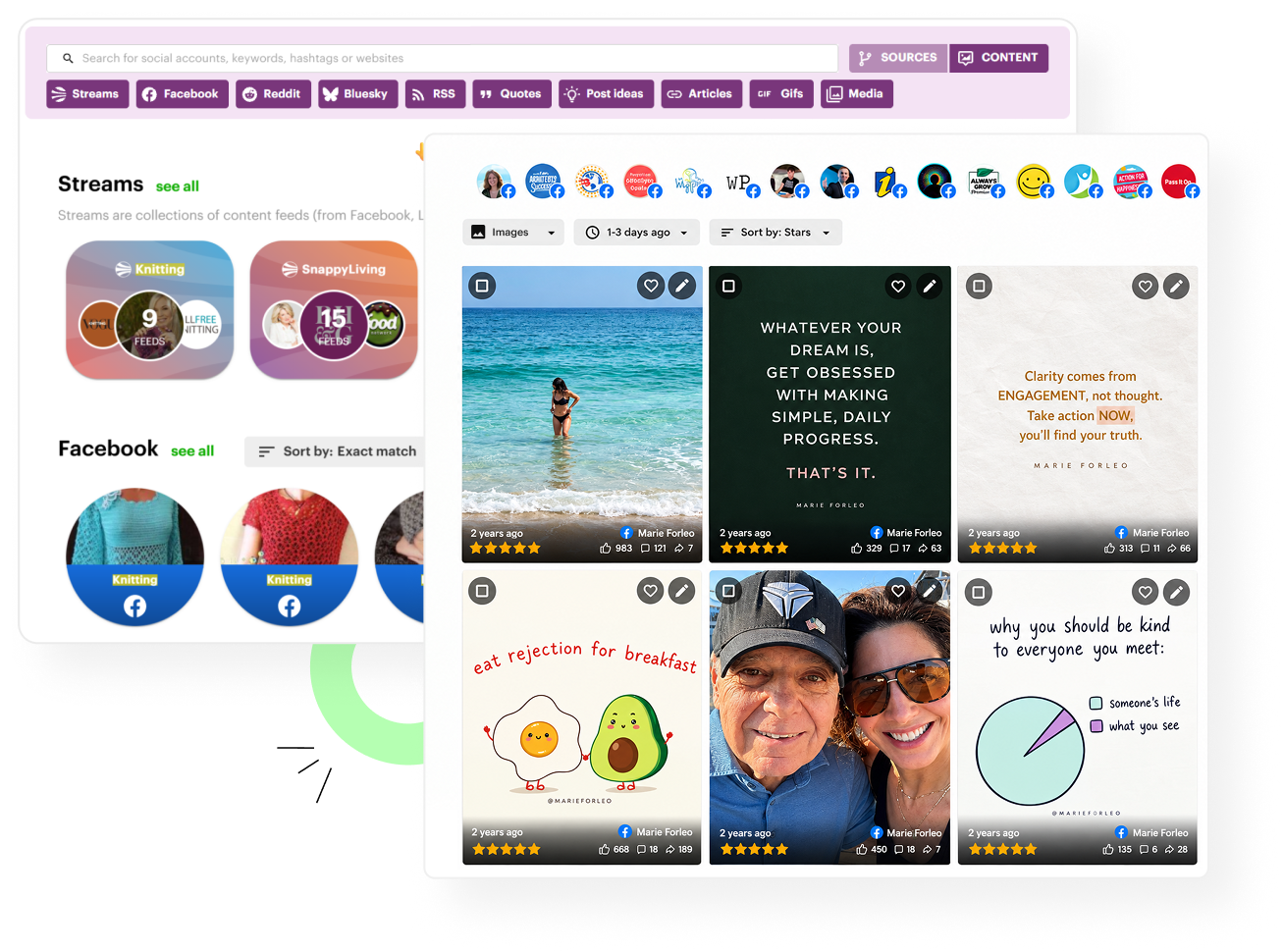
Pull from the sources you trust
Curate from any Facebook page (including your competitors’), Bluesky account, Reddit subreddit or RSS feed. Search Threads and the web’s trending articles by keyword, and pull free stock media from Unsplash, Pixabay, Pexels and Giphy.
PROVEN WINNERS
Re-share what already works
The content that blows up in your niche is public. Re-share proven winners in a few clicks, and grow your Likes, followers and reach by doing more of what already works.

STREAMS & FAVORITES
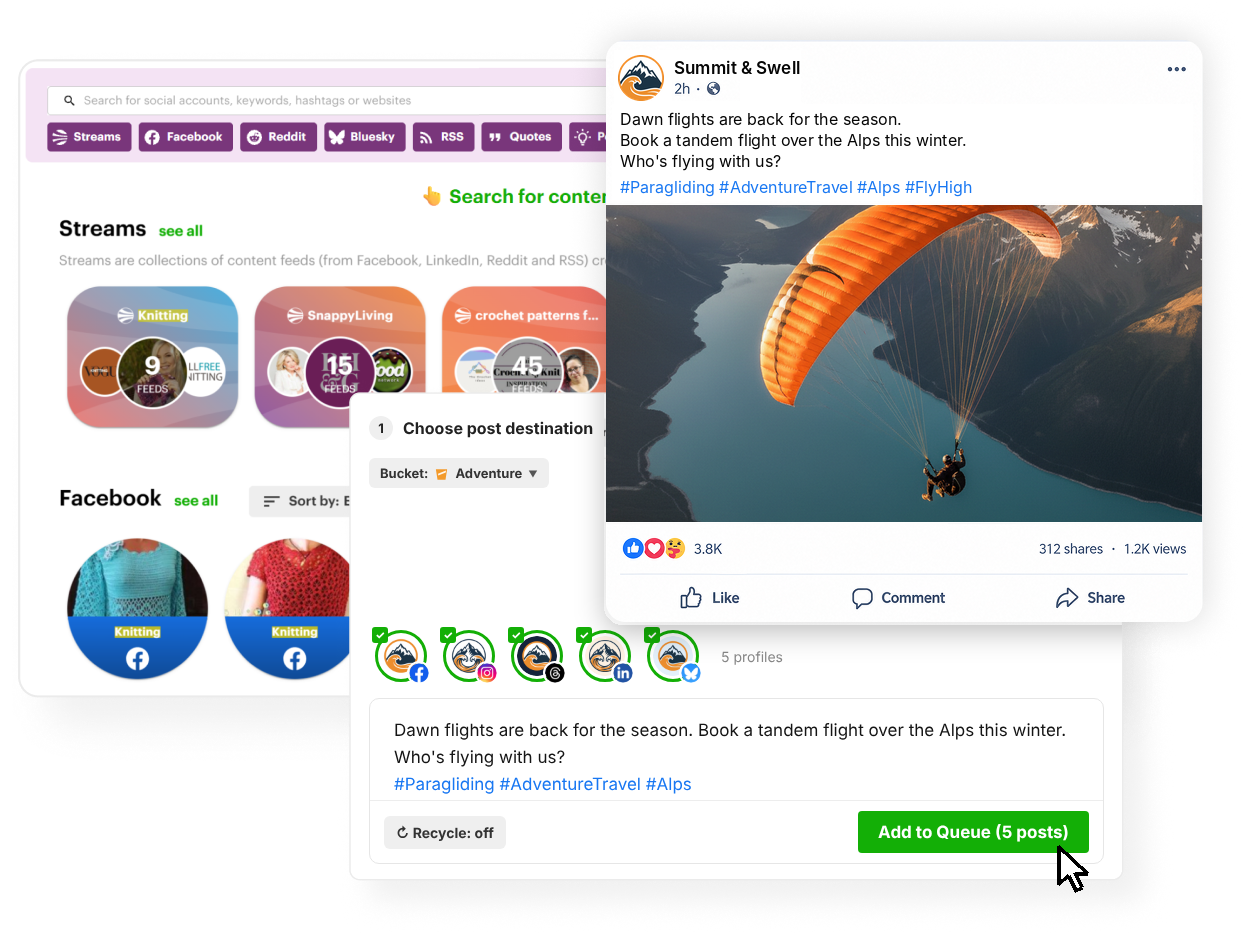
Build streams of your favorite sources
Combine your favorite feeds into streams so you always have a reliable backlog of post ideas, organized by topic or client. See something great? Favorite it, and it’s one click away when you’re ready to post.
Schedule better content.
Reach more people.
Get more followers.


Follow us






Product
Features
Integrations
Resources
© 2011-2026 Post Planner