Design scroll-stopping visuals without leaving Post Planner.
Crop, resize and enhance your images, design text and your logo right onto the visual, or generate new images with AI. Millions of free stock photos and GIFs included.
MEDIA EDITOR
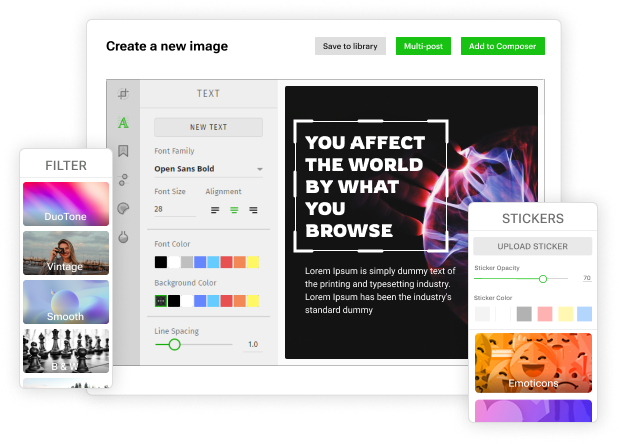
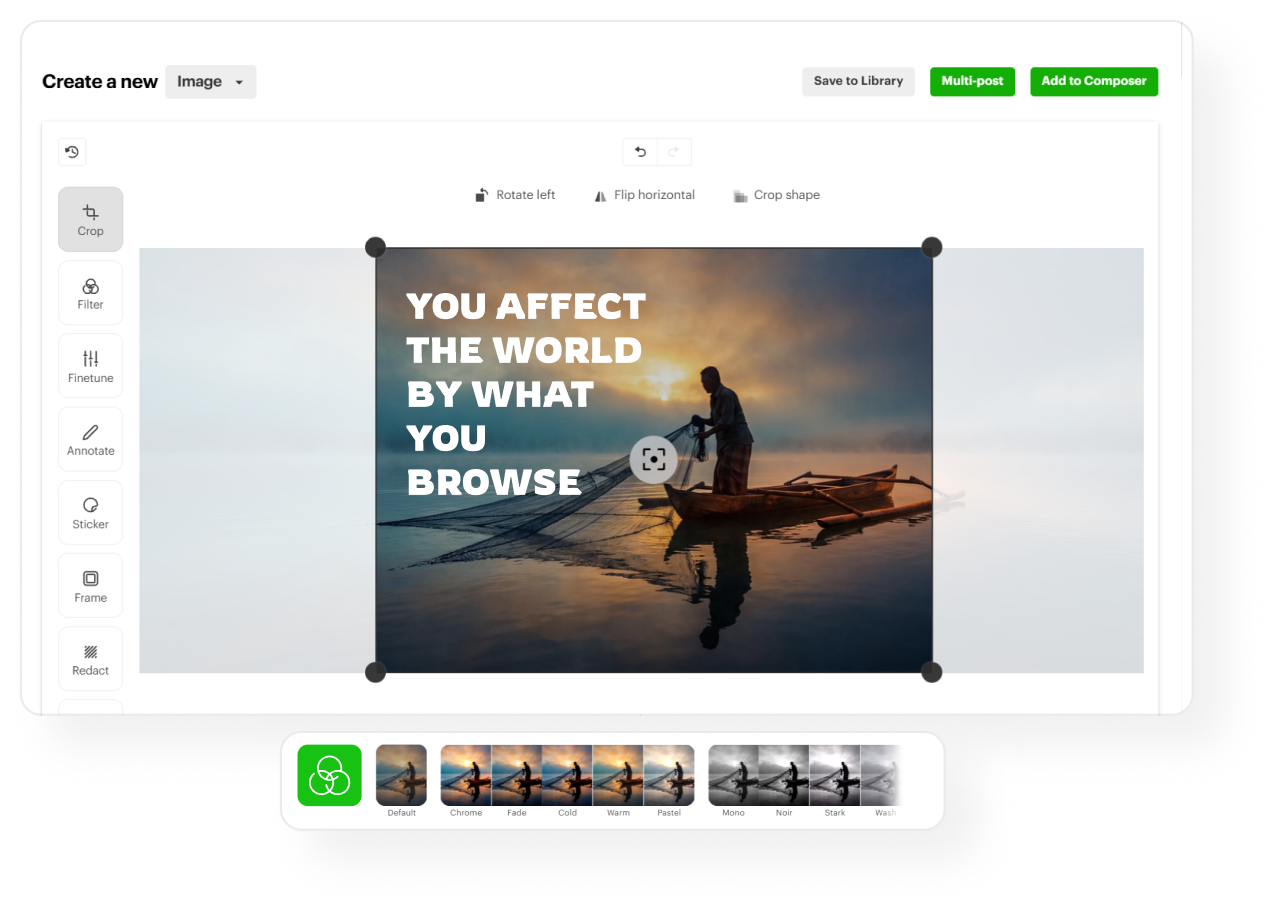
Perfect every image in seconds
Crop to each network’s dimensions, rotate, adjust brightness and filters, and add text, stickers or your logo with the built-in Studio editor. No separate design tool needed.
AI IMAGES
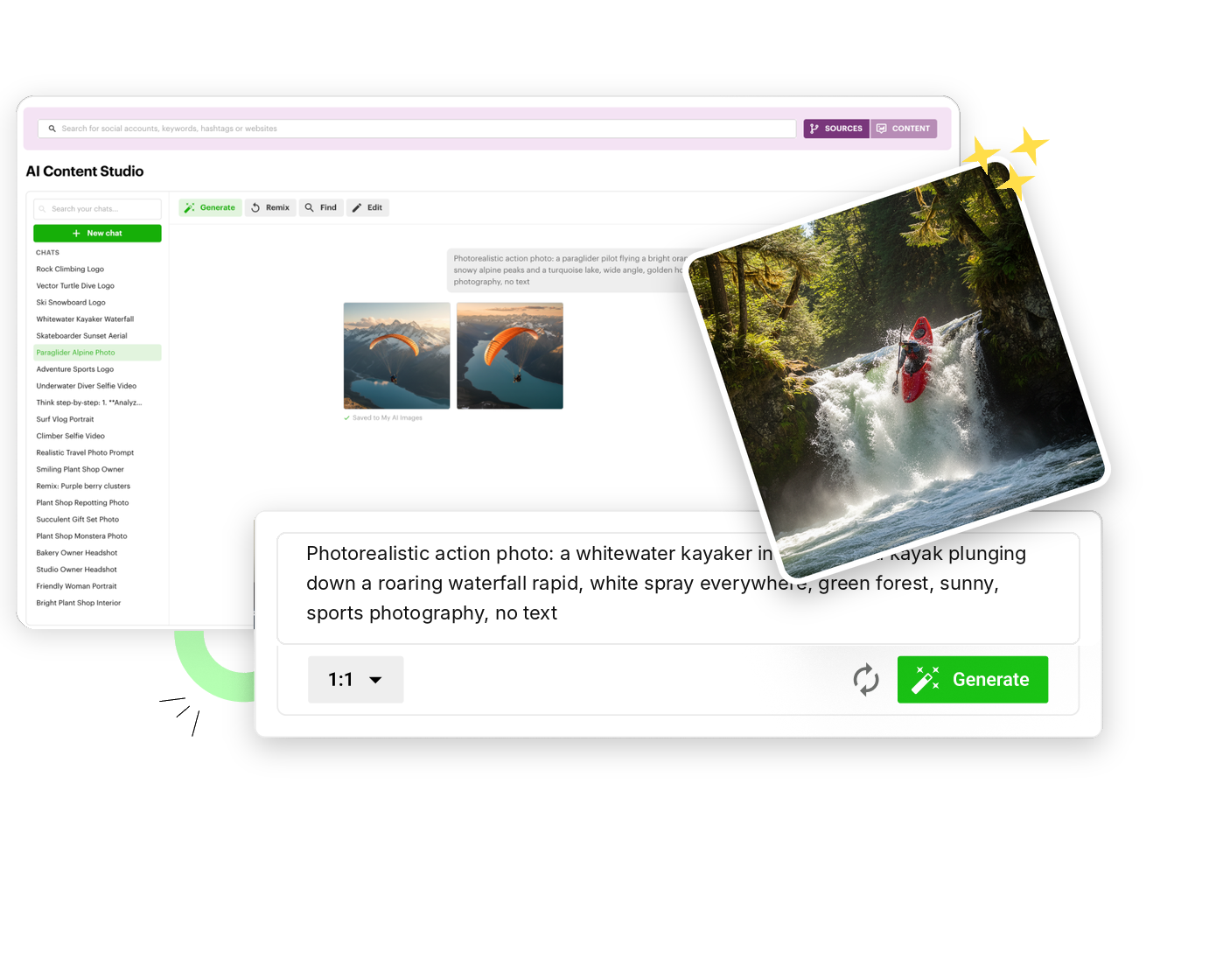
Generate images from a prompt
Describe what you want and get a custom, on-brand image in seconds, right where you compose. Or Remix a post you love. Upload a screenshot, and AI builds a new, original image around the idea.
MAKE IT YOURS
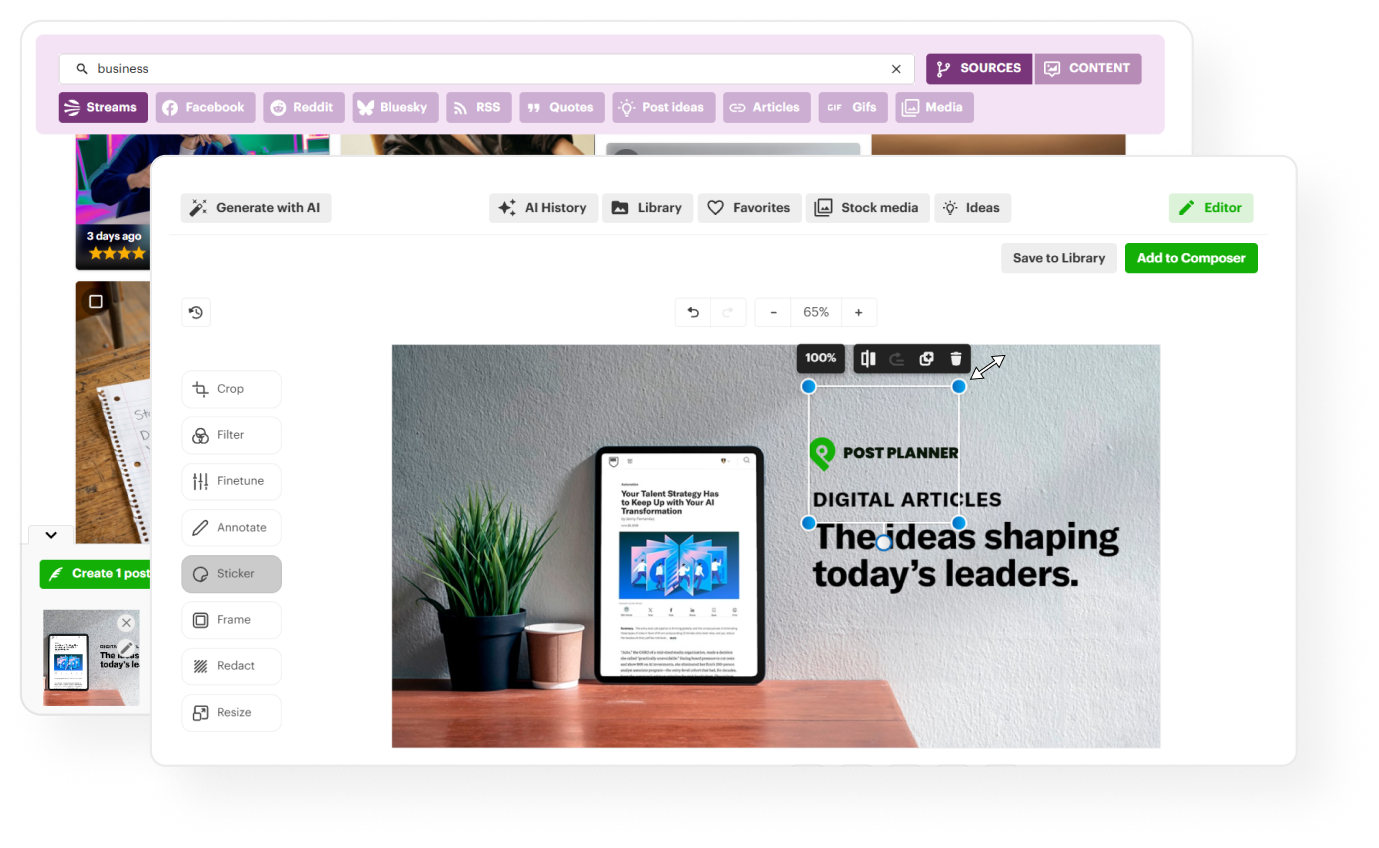
Edit the content you find
Found a great image in your streams or the stock library? Open it in Studio and make it your own: crop it, add your text and logo, and match it to your brand before you post.
YOUR OWN LIBRARY
Upload and organize your media
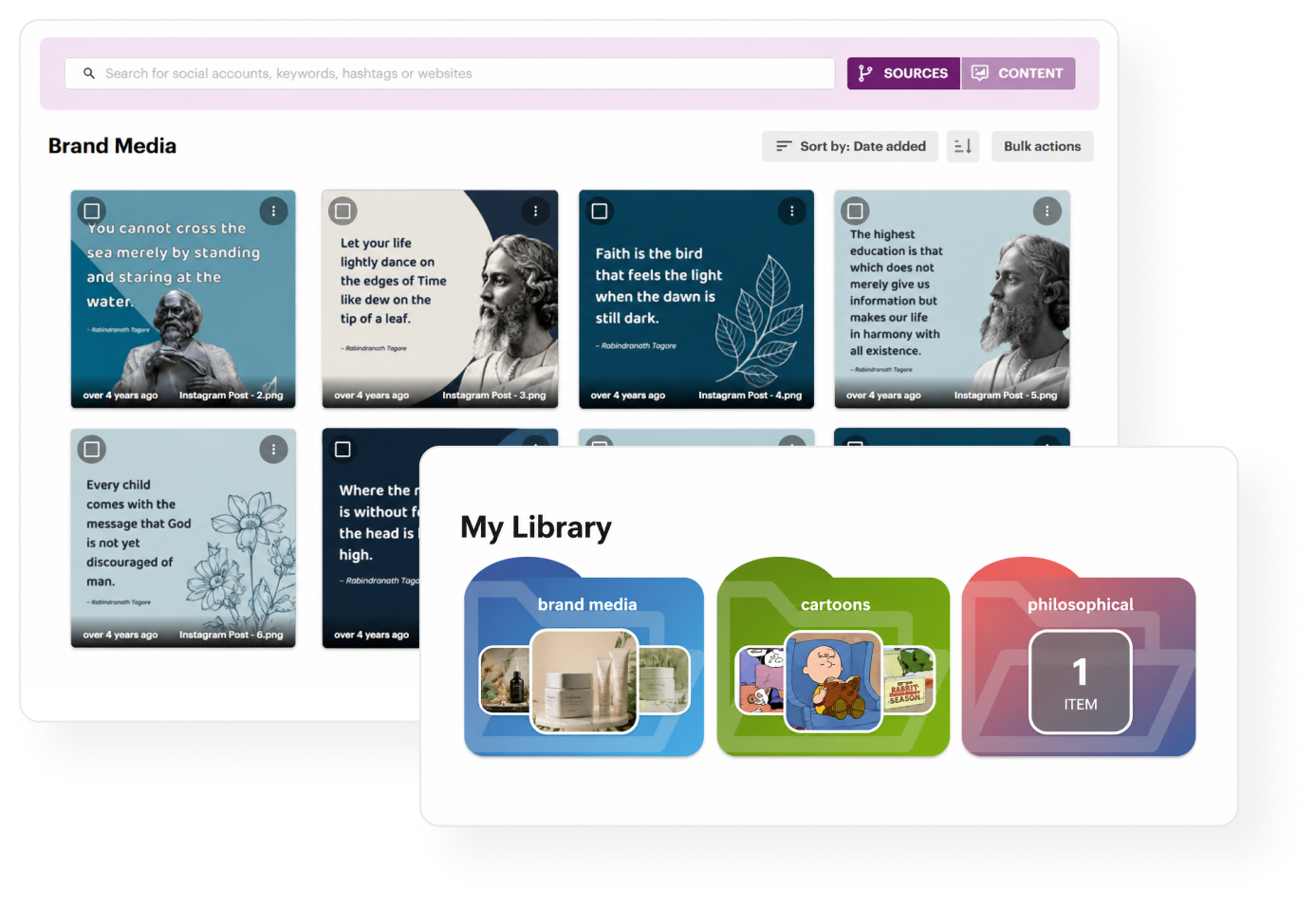
Save and organize your own content, branded and otherwise, in your own Library inside Post Planner. Upload your photos, videos and GIFs for use on current and future posts.
STOCK LIBRARIES
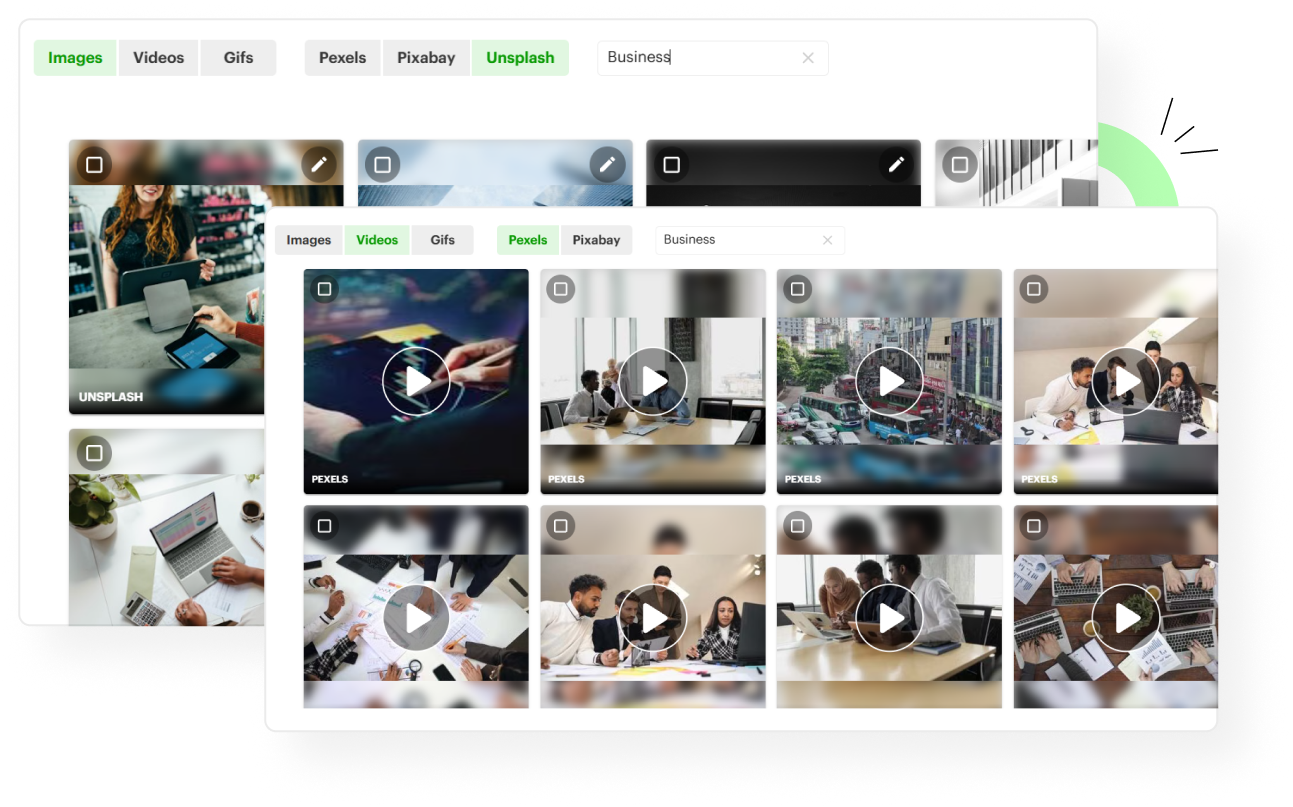
Millions of free photos, videos and GIFs
Search Unsplash, Pixabay, Pexels and Giphy without leaving Post Planner, and drop media straight into your post.
Schedule better content.
Reach more people.
Get more followers.


Follow us






Product
Features
Integrations
Resources
© 2011-2026 Post Planner