<img height="1" width="1" style="display:none" src="https://www.facebook.com/tr?id={244756505703335}&amp;ev=PageView&amp;noscript=1">

All your social accounts. One simple dashboard.

Connect all 10 networks and manage every account — even multiple accounts on the same network — from a single login. Your whole social workflow, in one place.

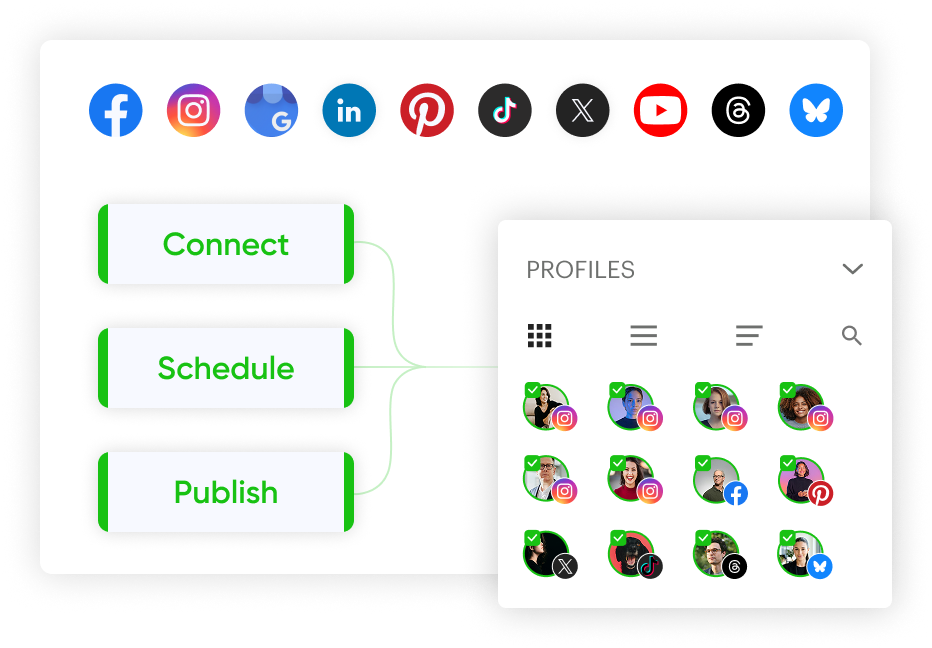
Post Planner dashboard with all your connected social accounts
Social networks connected in Post Planner

ALL-IN-ONE PLATFORM

Connect, schedule and publish to 10 networks

Manage Facebook, Instagram, Google Business, LinkedIn, Pinterest, TikTok, X, YouTube, Threads and Bluesky, with one login for every account you run.

MULTIPLE ACCOUNTS

Manage as many accounts as you need

Running 3 brands or 30? Add multiple accounts per network and switch between them in a click. No logging in and out.
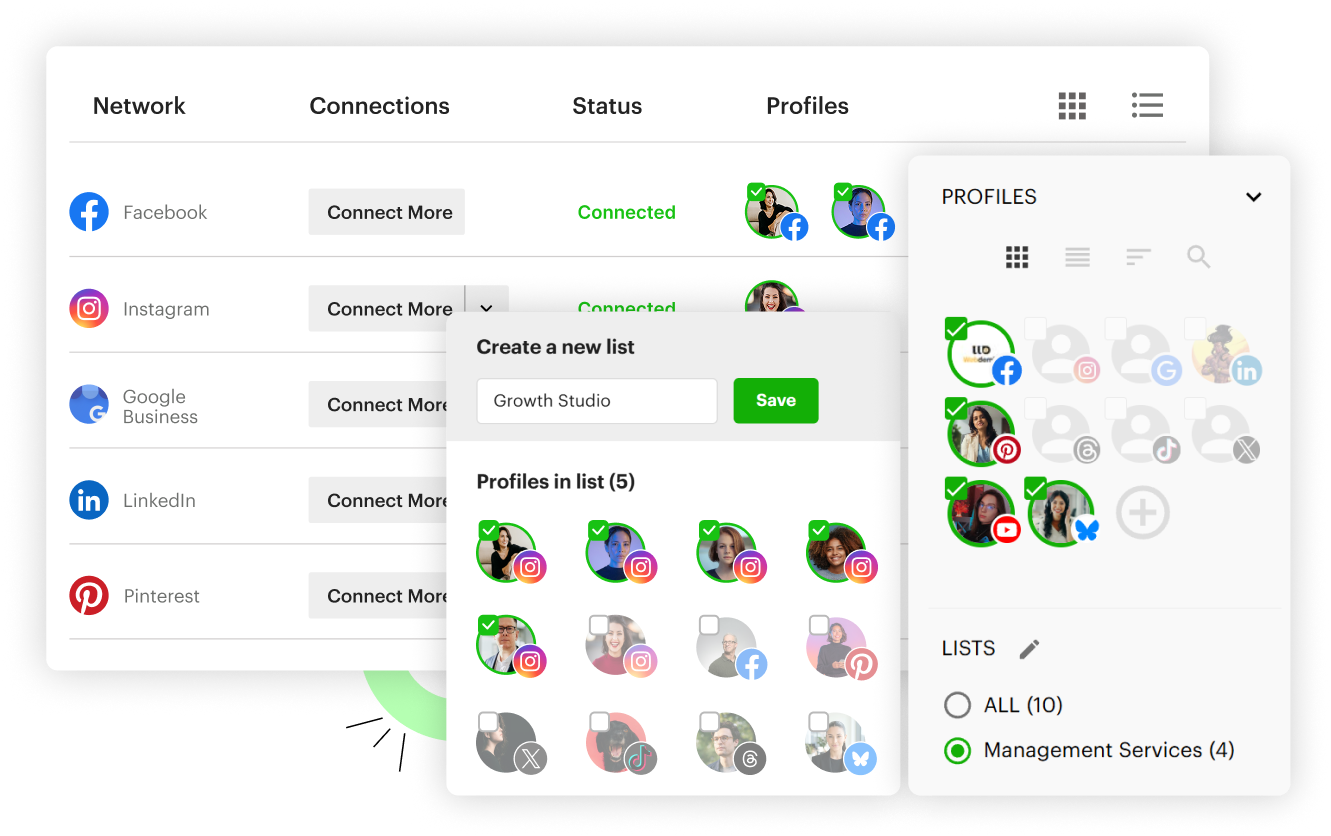
Multiple accounts on each network, organized into profile lists
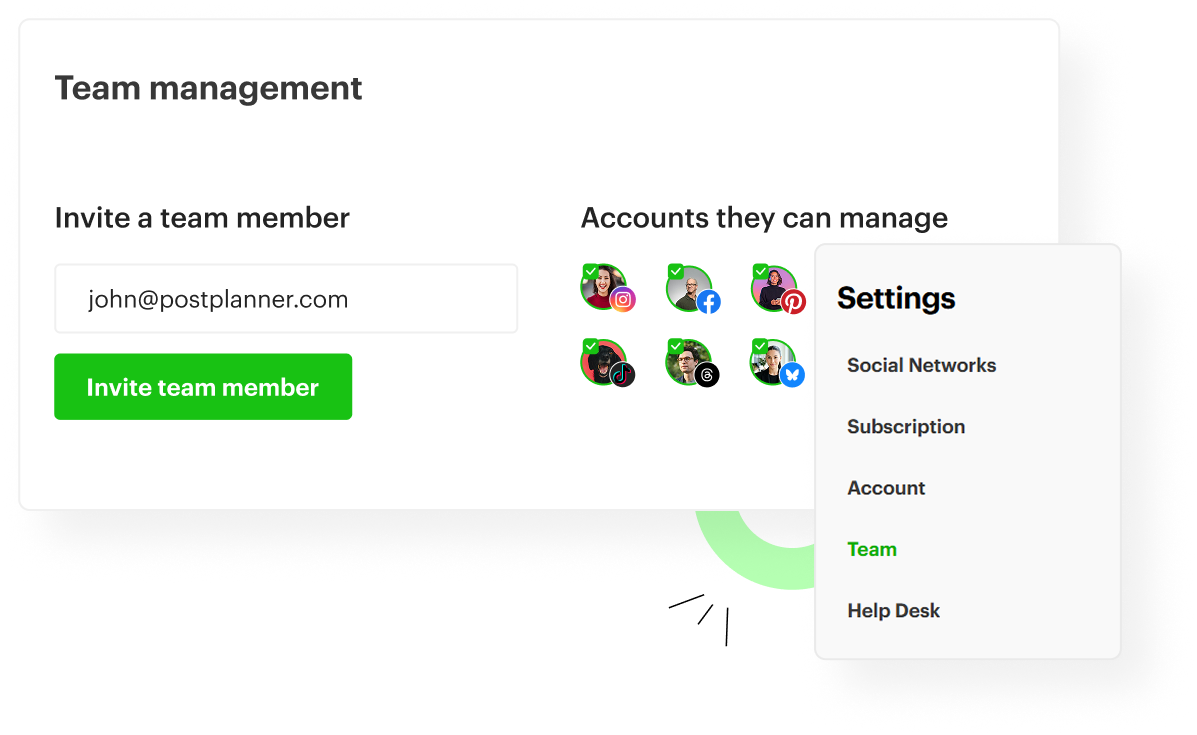
Inviting a teammate and choosing which profiles they can access

TEAM & CLIENTS

Bring your team and clients on board

Invite teammates by email and choose exactly which profiles each person can post to. Everyone works from their own login, so you never share a password.

WORKS EVERYWHERE

Desktop, mobile app and browser extension

Create and schedule from your computer or phone. And when you find something worth sharing on the web, the Post Planner browser extension sends any webpage straight to your composer.
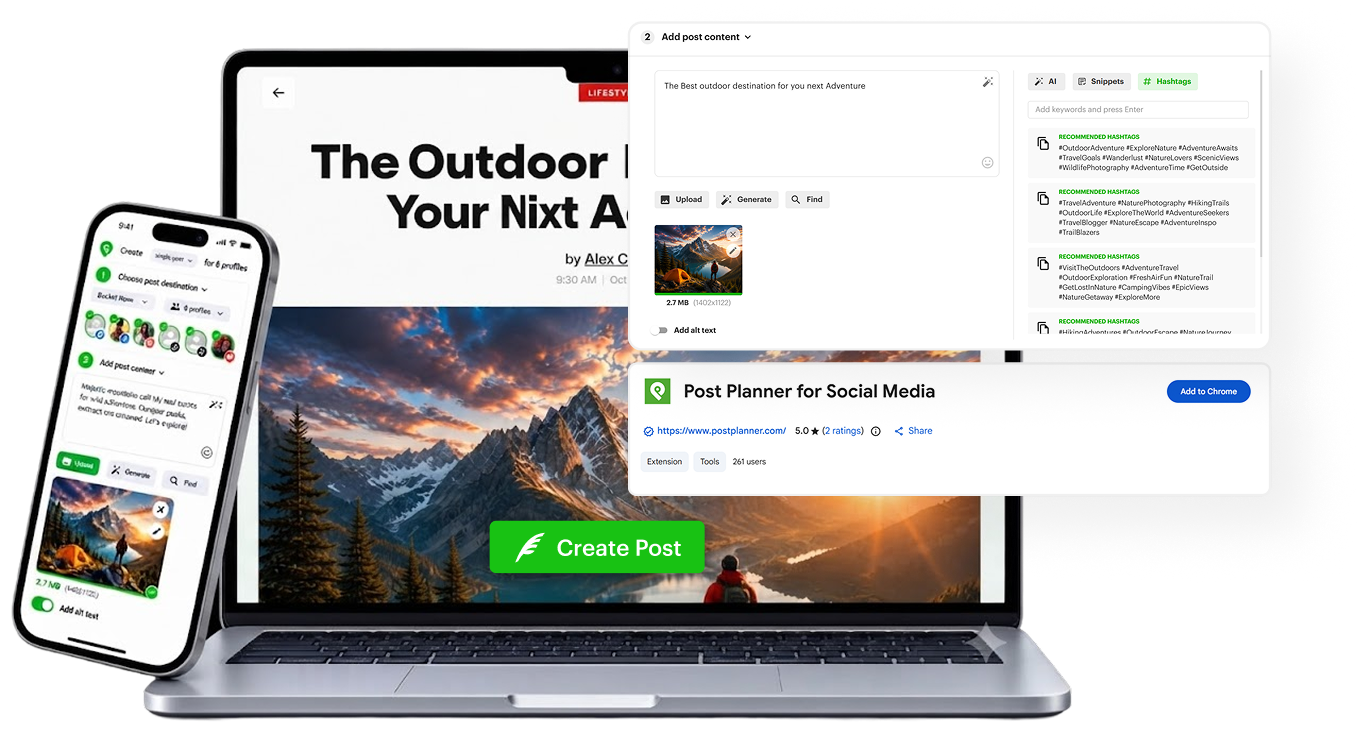
Post Planner on desktop, the mobile app and the browser extension

FAQ

Which networks can I connect?
All 10: Facebook, Instagram, Google Business, LinkedIn, Pinterest, TikTok, X (Twitter), YouTube, Threads and Bluesky. You connect them in Settings > Social Networks.
Can I connect more than one account per network?
Yes. Connect as many accounts on each network as your plan’s profile limit allows.
Which Instagram accounts are supported?
Instagram business and creator accounts. Instagram requires your account to be linked to a Facebook page you manage, and that applies to every scheduling tool. Personal Instagram profiles aren’t supported.
Does Post Planner publish directly to Instagram?
Yes. Your posts, carousels, Reels and Stories publish automatically at the scheduled time. No reminder apps, no manual steps.
Can I post to my personal profile on LinkedIn?
Yes. Post Planner schedules to both personal LinkedIn profiles and company pages.
Can I schedule to my personal Facebook profile?
No. Facebook removed that ability for every scheduling app back in 2018, and closed Facebook Groups in April 2024. You can schedule to any Facebook page you manage.
Can I add my team?
Yes. Invite teammates and clients by email and control exactly which profiles each person can access, based on your plan.
Is there a mobile app?
Yes. The Post Planner app is free on iOS and Android. Here’s how to get it: How do I access the mobile app?

Schedule better content.
Reach more people.
Get more followers.

Start Free Trial